Deploy a satellite
Create a satellite in Polaris and start the container where you want to look from.
Where to put satellites
Put a satellite where the view matters:
- External — a small cloud VM shows what the internet sees. Use a global satellite (created by an operator) or a tenant satellite without a zone tag.
- Inside — a satellite in the office LAN, a DMZ or a branch shows what is reachable from there. Give it the manual tag
zone=<name>in Polaris.
The difference between the views is what Asterion is about: the service matrix of every host has one column per satellite.
Create it in Polaris
Satellites → New satellite: name, description, tenant (operators can also create global satellites). Polaris generates an id and a 64-character secret and shows a docker run command and a docker-compose.yml.
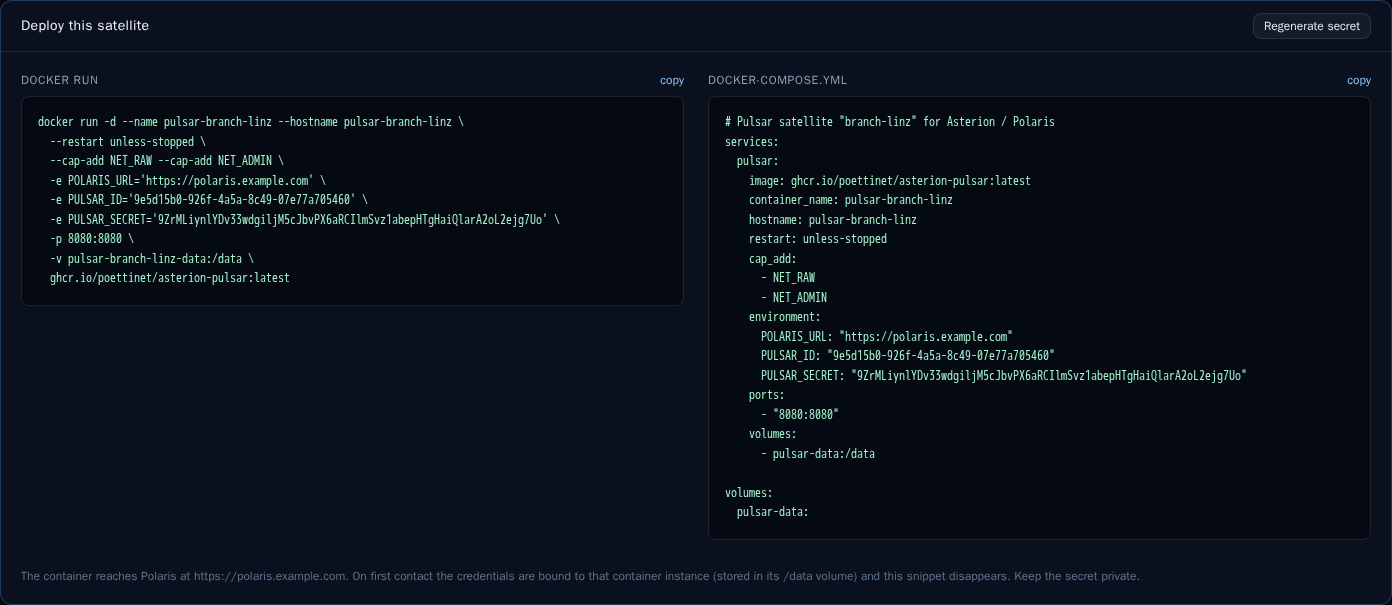
The snippets can be regenerated until the satellite first contacts Polaris. After that the credentials are bound to that one instance: a copy of the container elsewhere is refused. Reset enrollment revokes them and issues new ones.
Start the container
docker run -d --name pulsar-office --restart unless-stopped \
  --cap-add NET_RAW --cap-add NET_ADMIN \
  -e POLARIS_URL=https://mon.example.com \
  -e PULSAR_ID=<uuid> -e PULSAR_SECRET=<secret> \
  -p 8080:8080 -v pulsar-office-data:/data \
  ghcr.io/poettinet/asterion-pulsar:<version>
NET_RAW/NET_ADMINlet nmap send SYN scans and traceroute raw packets.- The volume keeps plans and unsent results across restarts.
- Port 8080 serves the public page with the abuse contact. Put TLS in front if it is reachable from the internet, or leave it unpublished.
All variables: Pulsar configuration.
What happens next
- The satellite registers: Polaris binds the instance, stores its version, capabilities and geo data (public IP, AS, city), and sends intervals and websocket settings.
- It sends a heartbeat every 30 seconds (round-trip times, IPv4/IPv6 connectivity, load, the runs it still works on).
- It syncs its plans every 60 seconds, at once when Polaris announces a change over the websocket.
- It runs them on its own minute clock and uploads the results.
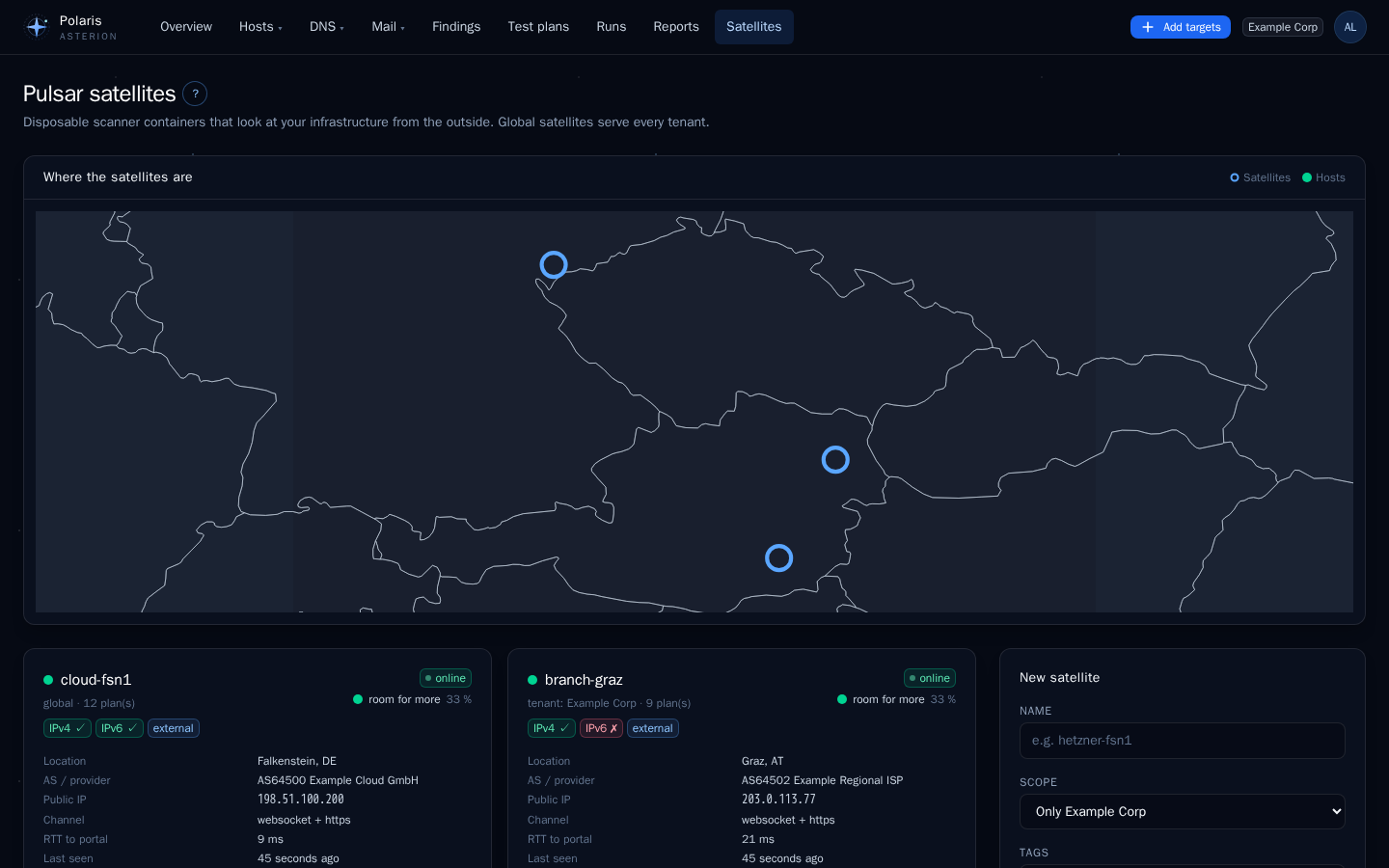
Within a minute the satellite shows as online. If not, open its page: the satellite log shows what it reported, and the troubleshooting page lists the usual causes.